
Connect AI Plan Creator to Claude, ChatGPT or Grok
Design a house by chatting with the assistant you already use. How the connector works, the steps for each assistant, and what it can and cannot do.
· 1 min read
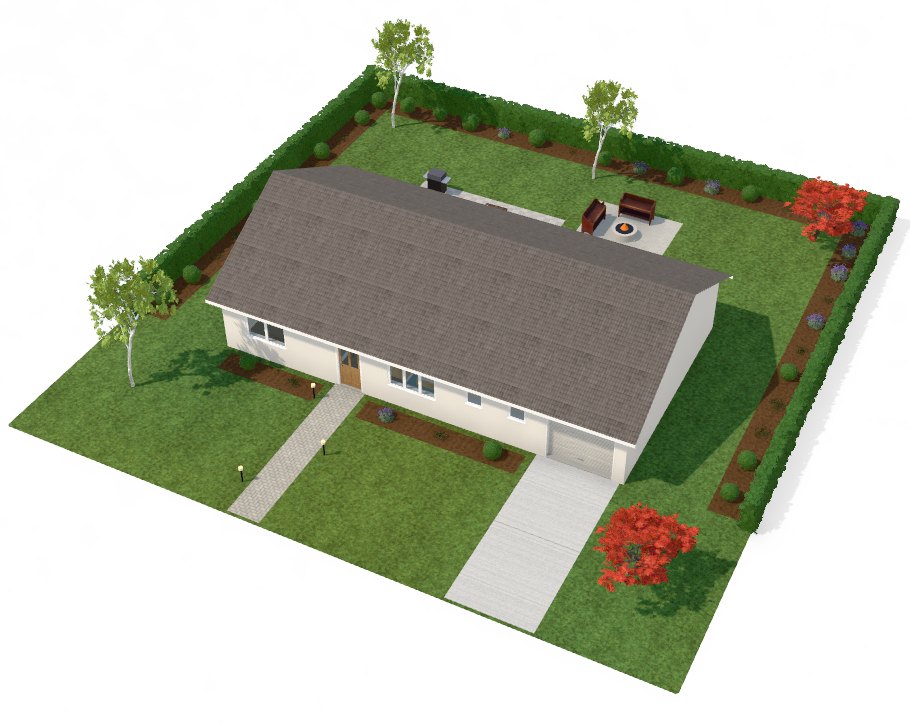
AI Plan Creator has a connector: an MCP server at https://aiplancreator.com/mcp that lets Claude, ChatGPT or Grok work on the designs in your account. You describe the home in a chat; the assistant draws it in AI Plan Creator, shows you the plan and changes it as you talk.
The steps
The three assistants differ in names, not in substance: paste the address, sign in to AI Plan Creator, approve.
Claude (every plan; the Free plan allows one custom connector): open Customize, then Connectors, choose Add custom connector, name it AI Plan Creator, paste the address and choose Add. Claude opens AI Plan Creator for you to approve.
ChatGPT (Plus, Pro, Business, Enterprise and Edu, on the web): in Settings, Security and login, switch on Developer mode. Then go to chatgpt.com/plugins, press +, name it AI Plan Creator and paste the address as the MCP server URL.
Grok (on the web): go to grok.com/connectors, choose New Connector, then Custom, name it AI Plan Creator and paste the address as the server URL. Allow pop-ups for grok.com if no window opens.
Each time, you sign in to AI Plan Creator and see which assistant is asking and what it wants to do. You never give an assistant your AI Plan Creator password.
There is a short video for each assistant, and the steps in full, on the connect page.
What it can do
See your designs and the ones you are invited to edit, create new designs up to your plan's limit, change rooms, doors, windows, furniture, storeys, the outside and the garden, show you plan drawings, and make a view-only link when you ask.
What it cannot do
Delete a design, see your payments, buy designs or change your plan, use the AI picture and video features, or reach anyone else's account. You can disconnect an assistant at any time on the Assistants page, and it is cut off at once.