
Finding a house plan you love: search in your own words, favourites and sharing
Search more than a thousand designs the way you would describe them, keep the ones you love, share them with the people you build with, and see prices in your own currency.
· 2 min read
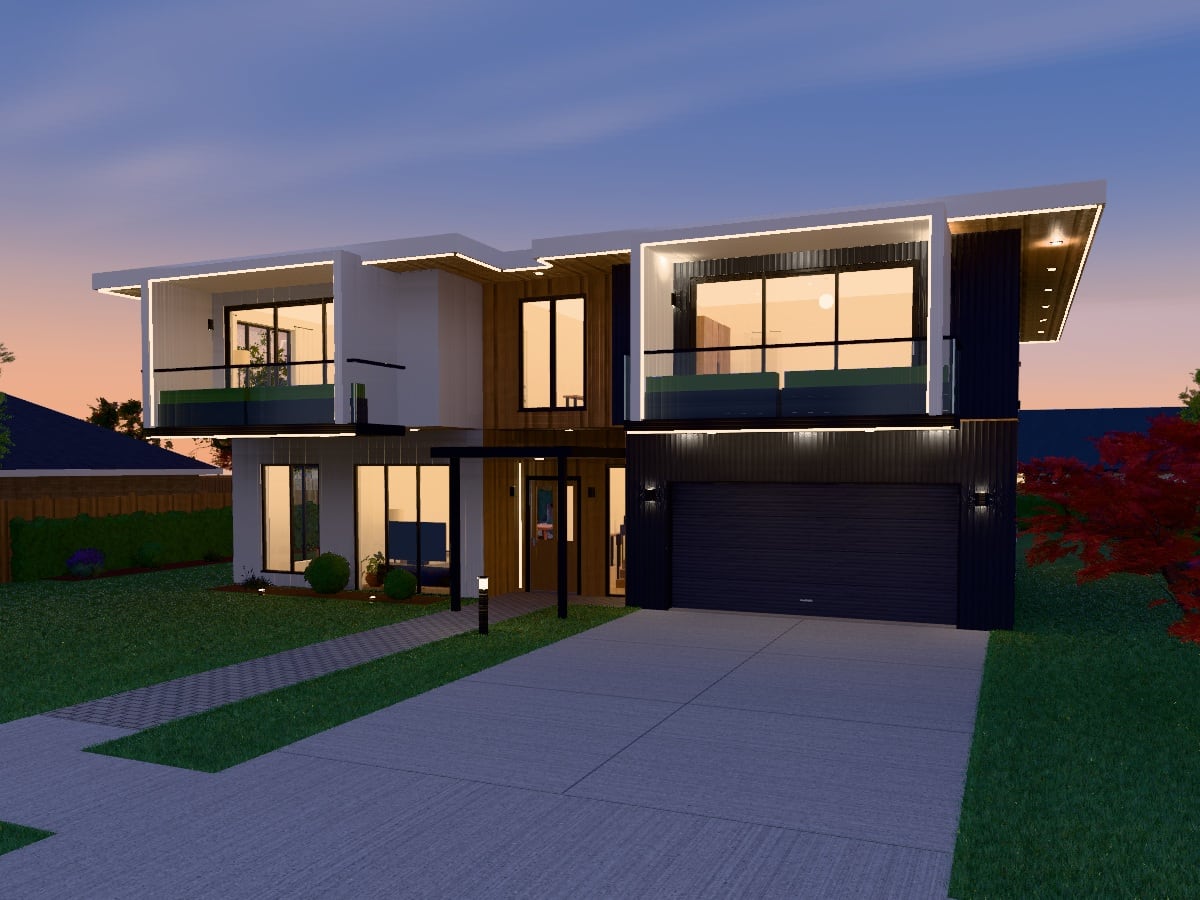
The design store has more than a thousand finished designs in 21 kinds of building. This is how to find the one for you, keep it, and show it to the people you are building with.
Search the way you would describe it
Type what you have in mind into the store's search box, as you would say it: "4 bedroom japandi with a pool", "granny flat under 80 m2", "café". The search reads the kind of building, the style, the number of bedrooms or storeys, the floor area and features such as a pool, a deck or a roof terrace, and shows how it read your words above the designs that match.
Then narrow it down with the filters: a category (residential, commercial or community), a kind of building, a style, a price, bedrooms, storeys, and under More filters bathrooms, size, outdoor features and how many homes are on the plot. Sort by what is most popular, most loved, newest, price or size.
The premium collection
The premium collection is 88 named homes and buildings drawn up whole, from the massing to the garden: each a complete design to walk through and make your own. The best of it is on the home page: the designs people love most come first, and where the hearts are even, our editors choose.
Love the ones you like
Press the heart on a design, in the store, on the home page or on the design's own page, and it is kept in your favourites. Loving a design does not buy it; it keeps it where you can find it again, under Your favourites in the store and on the Favourites page in the app. You need to be signed in: press a heart while signed out and you are asked to sign in, and the design is loved when you come back.
Share it
Every design has a page of its own with its pictures, a turning 3D preview and a Share menu: copy the link, or open Facebook, X, LinkedIn, Pinterest, WhatsApp, Reddit or your email to post it from. Nothing is sent to any of them unless you choose it, and no social network's script is loaded on the site.
Prices in your own currency
Prices are shown and charged in your own currency: New Zealand, Australian, US or Canadian dollars, pounds or euros, chosen from where you are on your first visit. You can change it at the foot of the site's pages.
Then make it yours
A design you buy, or one of the twenty free ones, opens as your own copy in the editor: move walls, restyle rooms, change the garden, or ask the AI agent to do it for you. The drawings are for design exploration: take them to your designer or builder when you are ready to build.