Stage a design's rooms, with no AI request
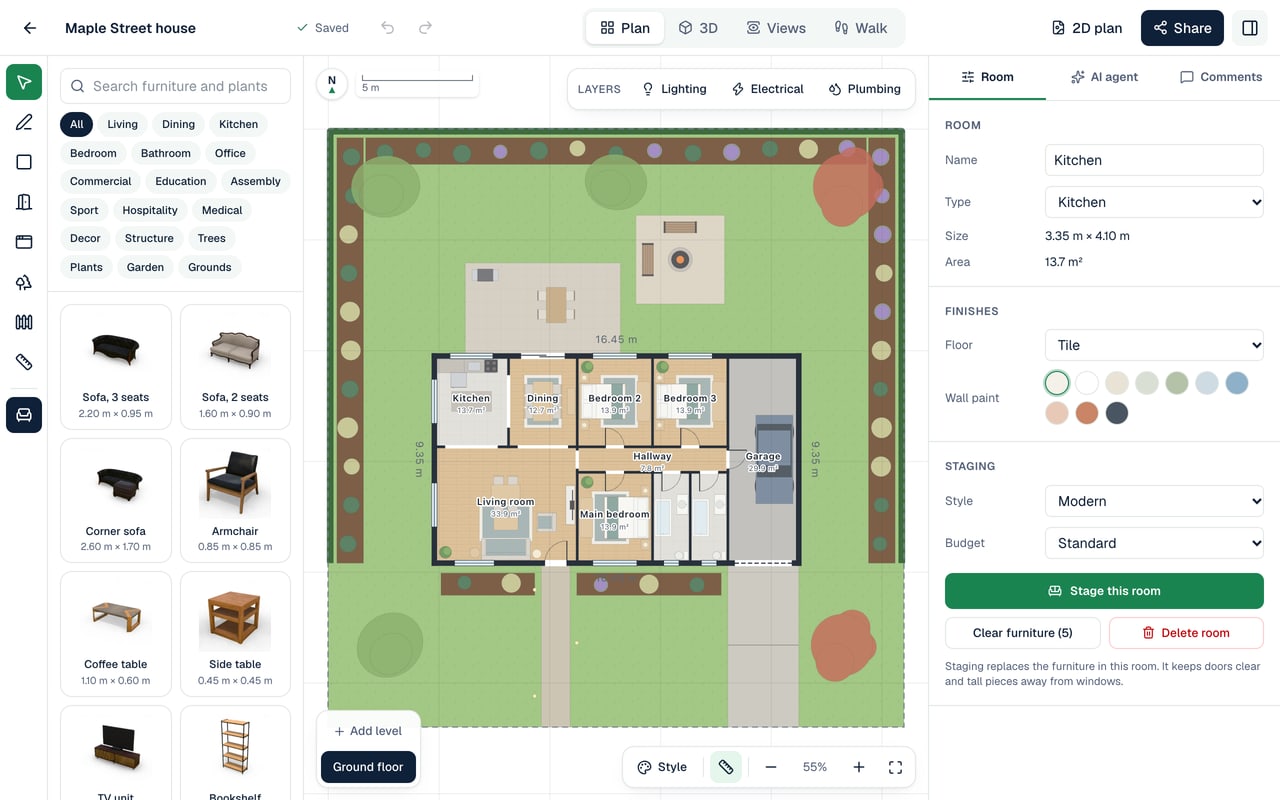
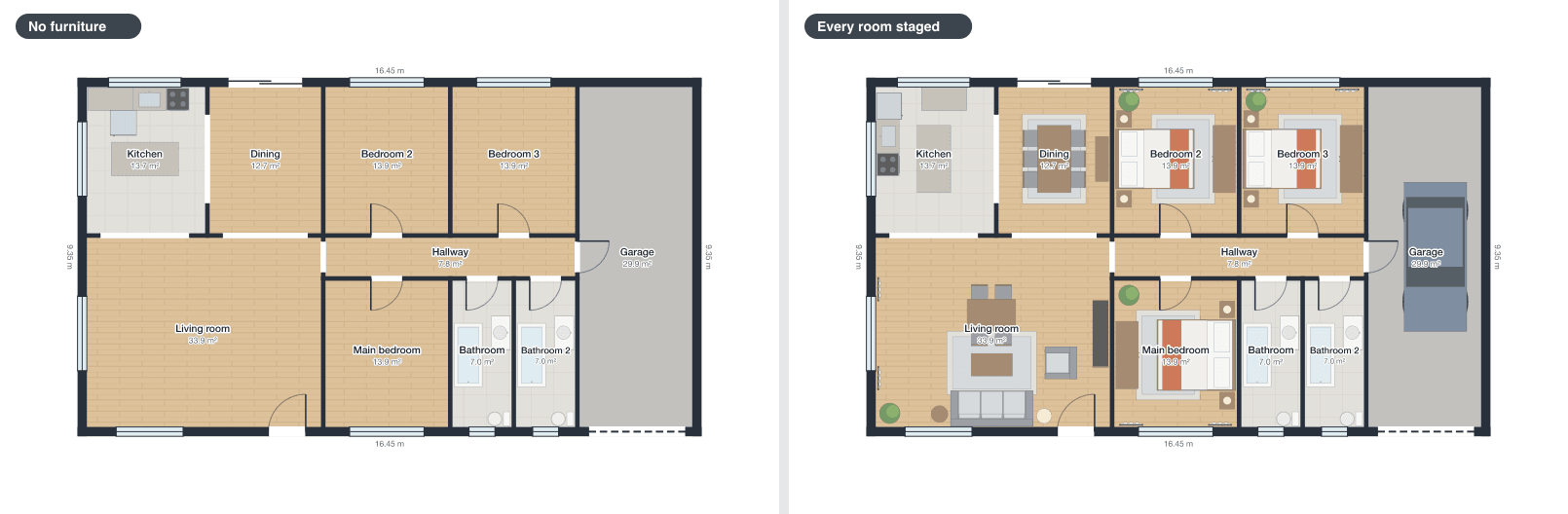
Select a room on the plan, and its panel has a Staging section. Choose a style and a budget of basic, standard or premium, and press Stage this room. The furniture is placed by rules of layout: the main pieces, such as a bed, a sofa or a dining table, go against the walls, the pieces that belong with them are set round them, nothing may block a door or overlap another piece, and tall pieces are kept away from windows. Each room gets what its type needs, and in a shop, a café or an office the rooms are fitted out for business use.
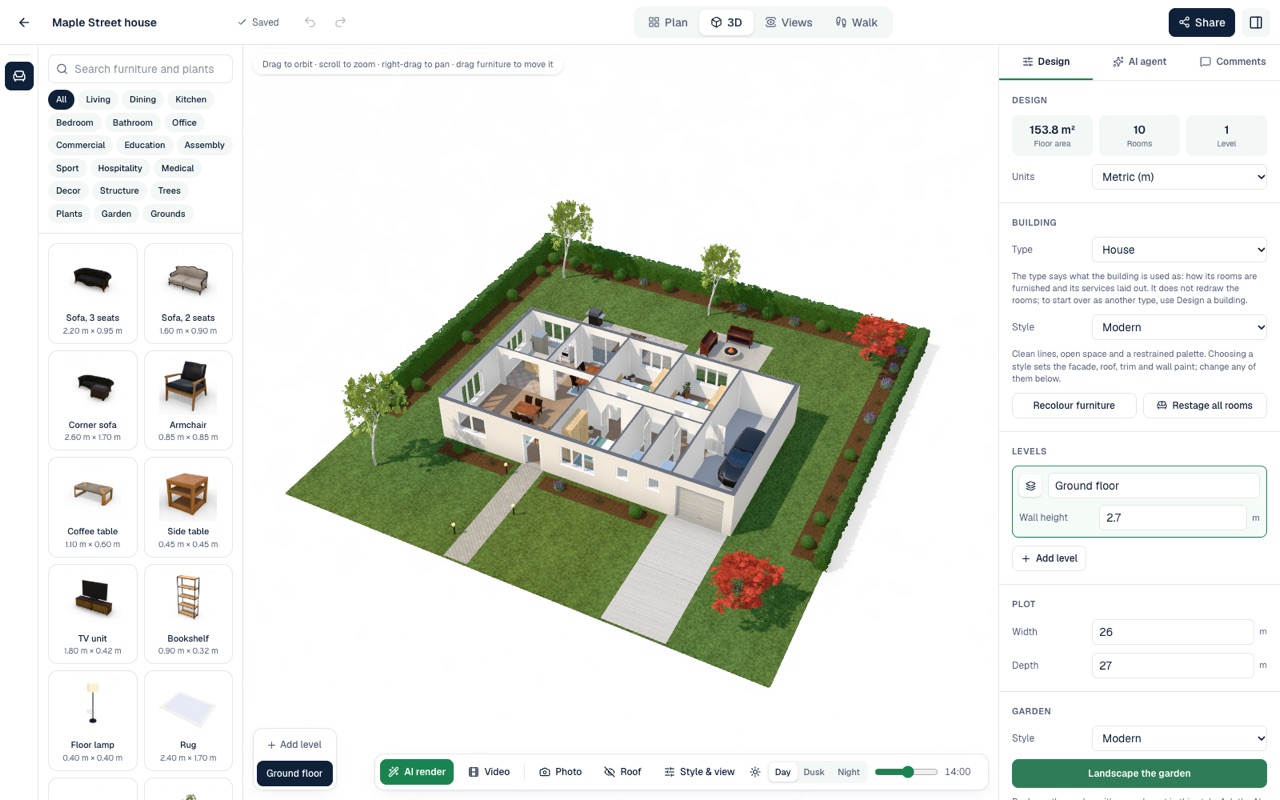
Staging replaces the furniture already in the room, and Clear furniture takes it out again, leaving the parts of the building such as stairs. Restage all rooms, beside the building's style, stages every room on every storey in that style on a standard budget. It all runs in your browser and uses no AI request, as often as you like, and every piece can then be moved, turned or removed. The AI agent stages rooms too when you ask it, for an AI request.